




Log-In and-Log Out
This guide explains how to securely log in and log out of your ScorPort account. With features like email-based OTP and optional 2FA, your account remains protected while ensuring a seamless user experience.
Log-In Process
Step-by-Step Instructions:
-
Access the Login Page:
- Navigate to the ScorPort platform login page.
-
Enter Your Credentials:
- Input your registered email address.
- Enter your password.
-
Verify with OTP:
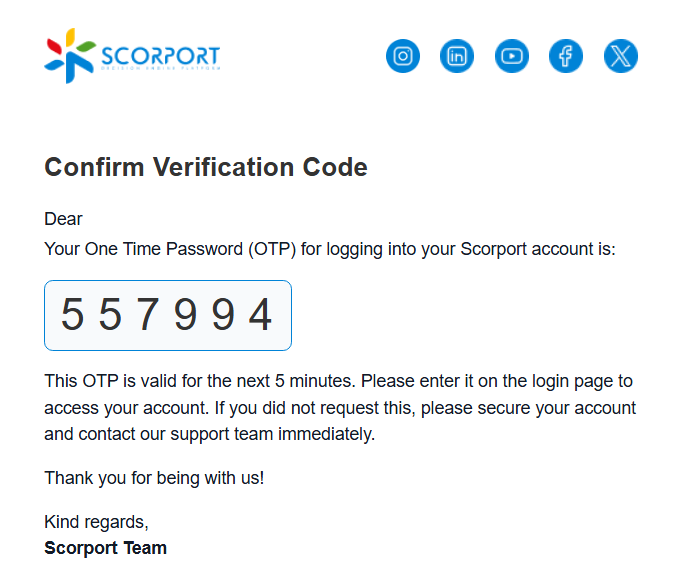
- After entering your credentials, an OTP (One-Time Password) will be sent to your registered email.
- Enter the OTP in the verification field to proceed.
-
Optional Phone Verification:
- If you’ve added a phone number to your account, you may receive a secondary OTP for enhanced security.
-
Complete Login:
- After successful OTP verification, you’ll be redirected to your personalized ScorPort dashboard.
Features of the Login System
-
Email OTP for Every Login:
- An OTP is automatically sent to your email each time you log in, ensuring additional security.
-
2-Factor Authentication (2FA):
- If enabled, the system requires both your password and an OTP sent to your email.
-
Google Single Sign-On (SSO):
- Log in quickly using your Google Account, bypassing the manual email and password entry.
Log-Out Process
Step-by-Step Instructions:
-
Access Your Profile Menu:
- In the top-right corner of the platform interface, click your profile icon or menu dropdown.
-
Select Log Out:
- Click the Log Out button to securely end your session.
-
Confirmation:
- Once logged out, you will be redirected to the login page.
-
Automatic Log-Out for Inactivity:
- For security, the system will log you out automatically after a period of inactivity.
Additional Security Tips
-
Secure Your Account:
- Never share your OTP or password with anyone.
- Use a strong, unique password for your account.
-
Logout on Shared Devices:
- Always log out when using public or shared devices to ensure your account remains secure.
-
Keep Your Email Secure:
- Ensure your email account is protected with a strong password, as it is integral to your login process.



